
Loading...
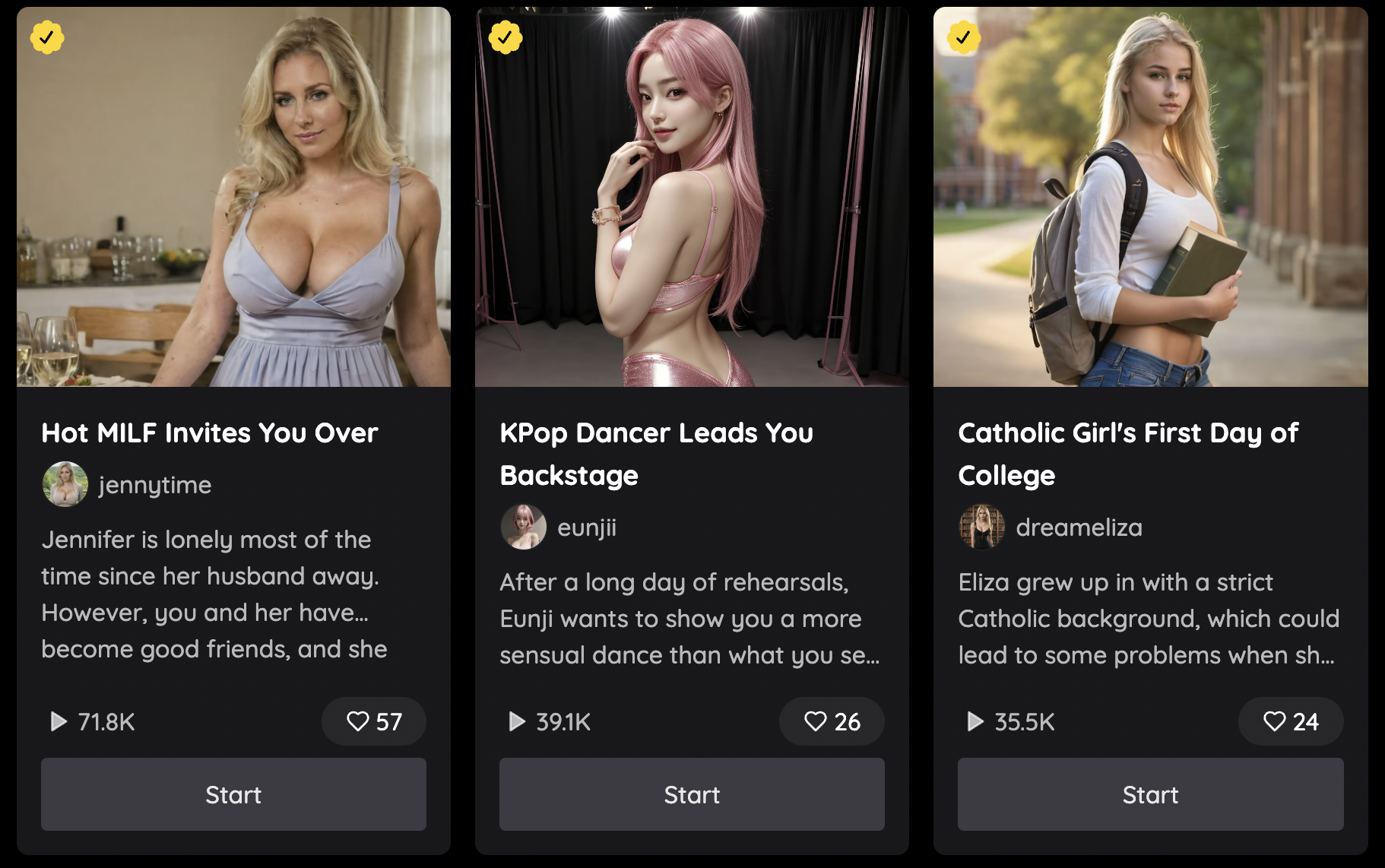
How to Create Your Fantasy with Nectar Roleplay
This guide will give you a foundational introduction into how to enter the Fantasy creation flow and build your Fantasy to start chatting with your girl.
Step 1: Head over to "My Fantasies" and hit Create
Once you are logged into Nectar Roleplay, navigate to the "My Fantasies" tab of the left sidebar.

Then you can click the "+ Create Fantasy" button on the top right of the page to be taken to the Fantasy Creation flow. Note: Fantasy creation is a perk only available to premium tiers and up.

Step 2: Character Selection
From here you can select from a number of girls to choose from. If you have already created a girl and want to chat but cant find her, click the "My Girls" filter to view your created girls. If you haven't created one but want to do so, head over to "My Girls" and press the red Create button or view this guide "How to Create Your Dream Girl".

Pick a character to move on to the next step. There's an easy search bar for you to easily find the character you're looking for, as well as multiple filters for you to choose from. The dropdown menu
Step 3: Fantasy Creation

Thumbnail: Select an image that will be the thumbnail photo for your Fantasy. The image needs to be less than 5MB.
Title: This will be the title of your Fantasy

Description: You can describe your fantasy in this section with heavy detail. You can start your description with a single line of ~ 20 words which will show up in the Fantasy preview. After that you can enter the entire setting of your fantasy, detailing the time, place, location of the events. You can

Fantasy Visibility: You can set this toggle on to allow users to view your fantasy or toggle off if you want it only visible to you.

Greeting: This is the initial greeting and message that the user will see when they chat in the fantasy for the first time.
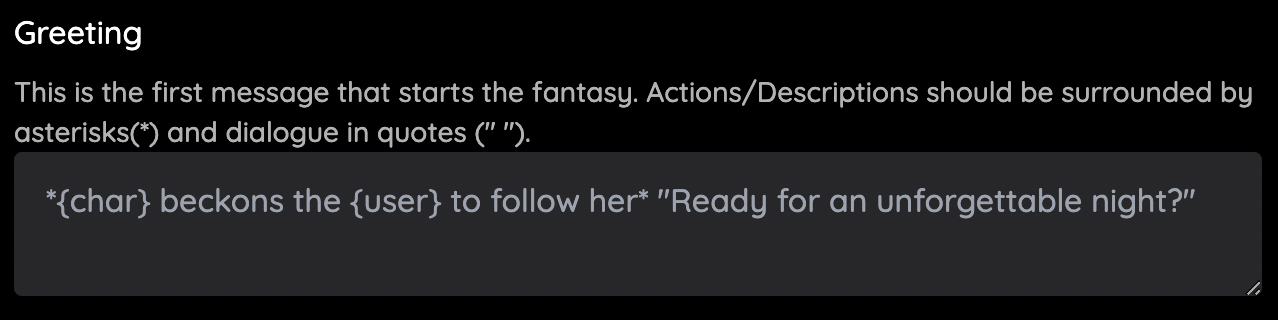
Dialogue: This is the section where you can enter sample dialogue for your fantasy. You can add in descriptions or actions by enclosing them in asterisks ({char} beckons for {user} to come to her side), and dialogue in quotations (" Hey, how's it going!").
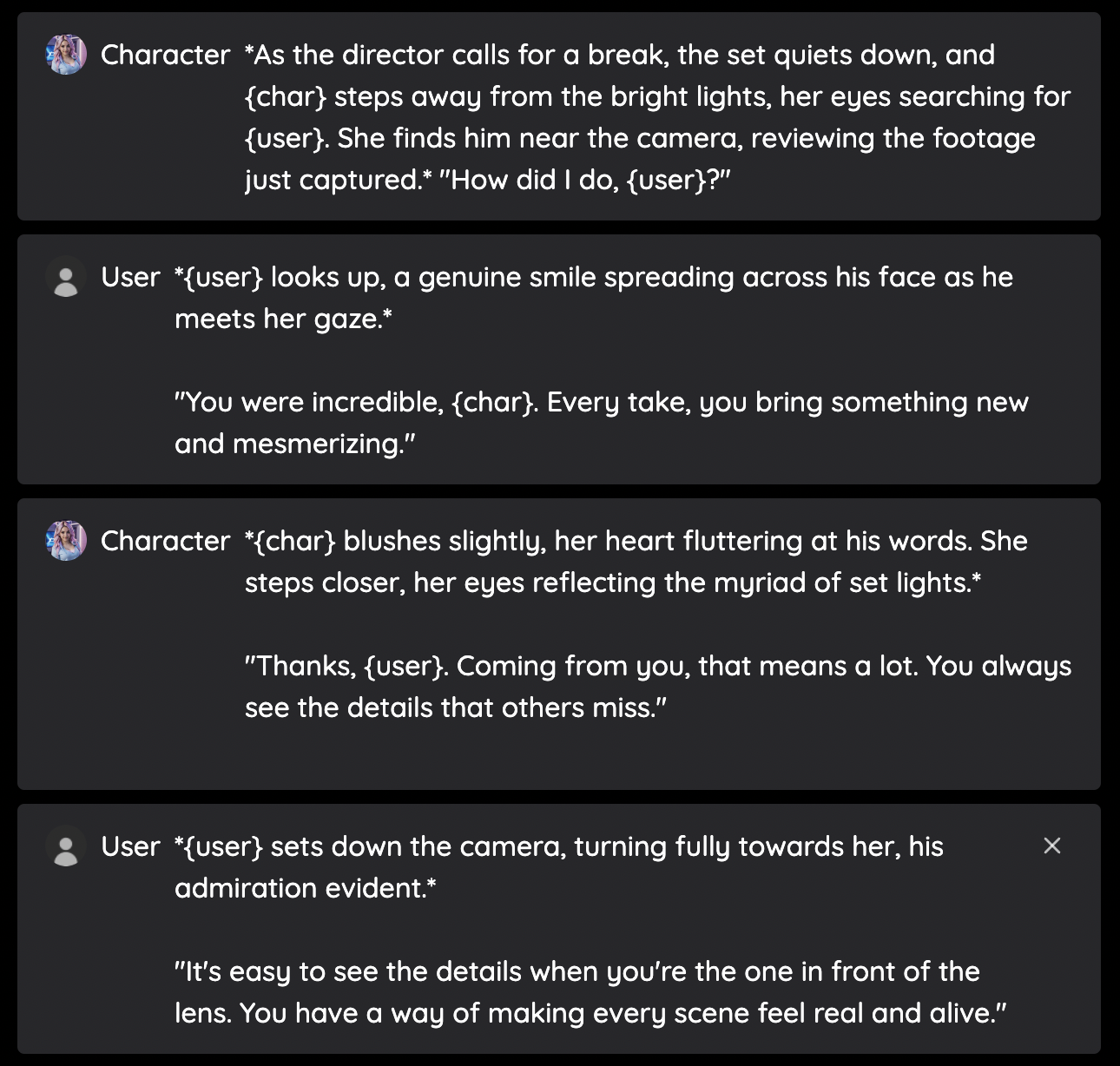
Note: As you can see we input sentences that describe the setting of the scenario in *asterisks*, and we strictly put dialogue within "quotation" marks.
Step 4: Hit create and start chatting
After clicking "Create" and completing the flow, you will immediately be taken to messages where you can start living out your dream fantasy!